

Account Registration
This page walks you through registering an ABetterChoice account. The process takes about 2 minutes and requires a work email address that can receive messages.
Scenario example: You just received a collaboration invitation for an ABC project from your studio's project lead and need to register a personal account before you can join the project and access experiment data.
What you need before registering
| Item | Details |
|---|---|
| Work email | Used for registration, email verification, and password recovery |
| Network access | Stable access to abetterchoice.ai |
Registration steps
Step 1: Open the website and request a trial
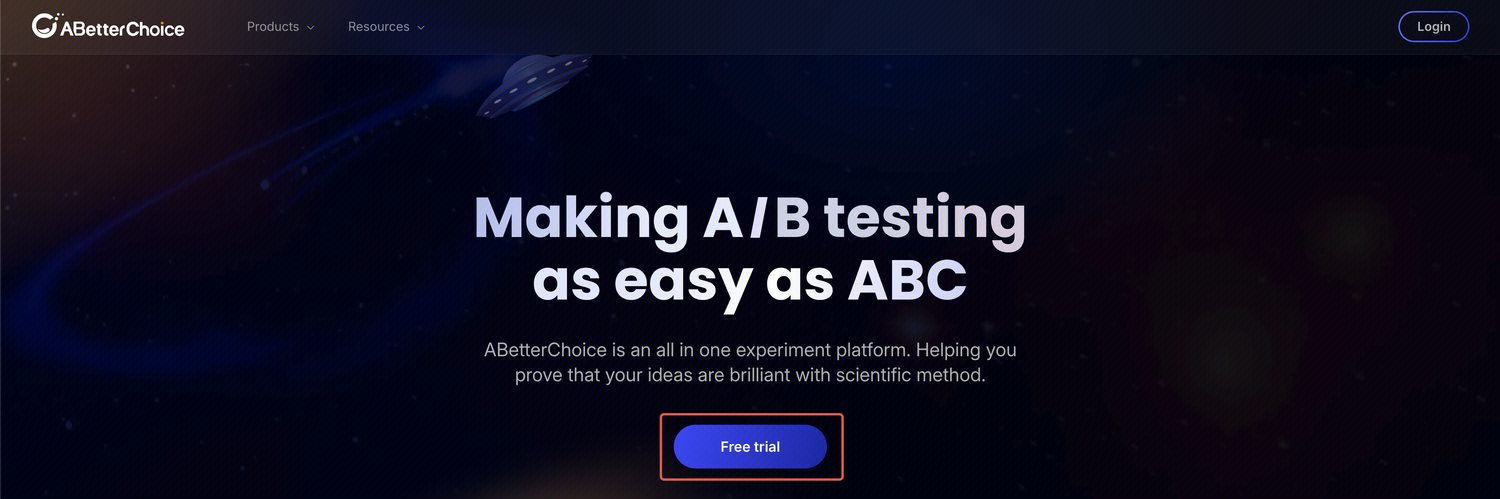
Go to abetterchoice.ai and click Free trial.
Step 2: Start the registration flow
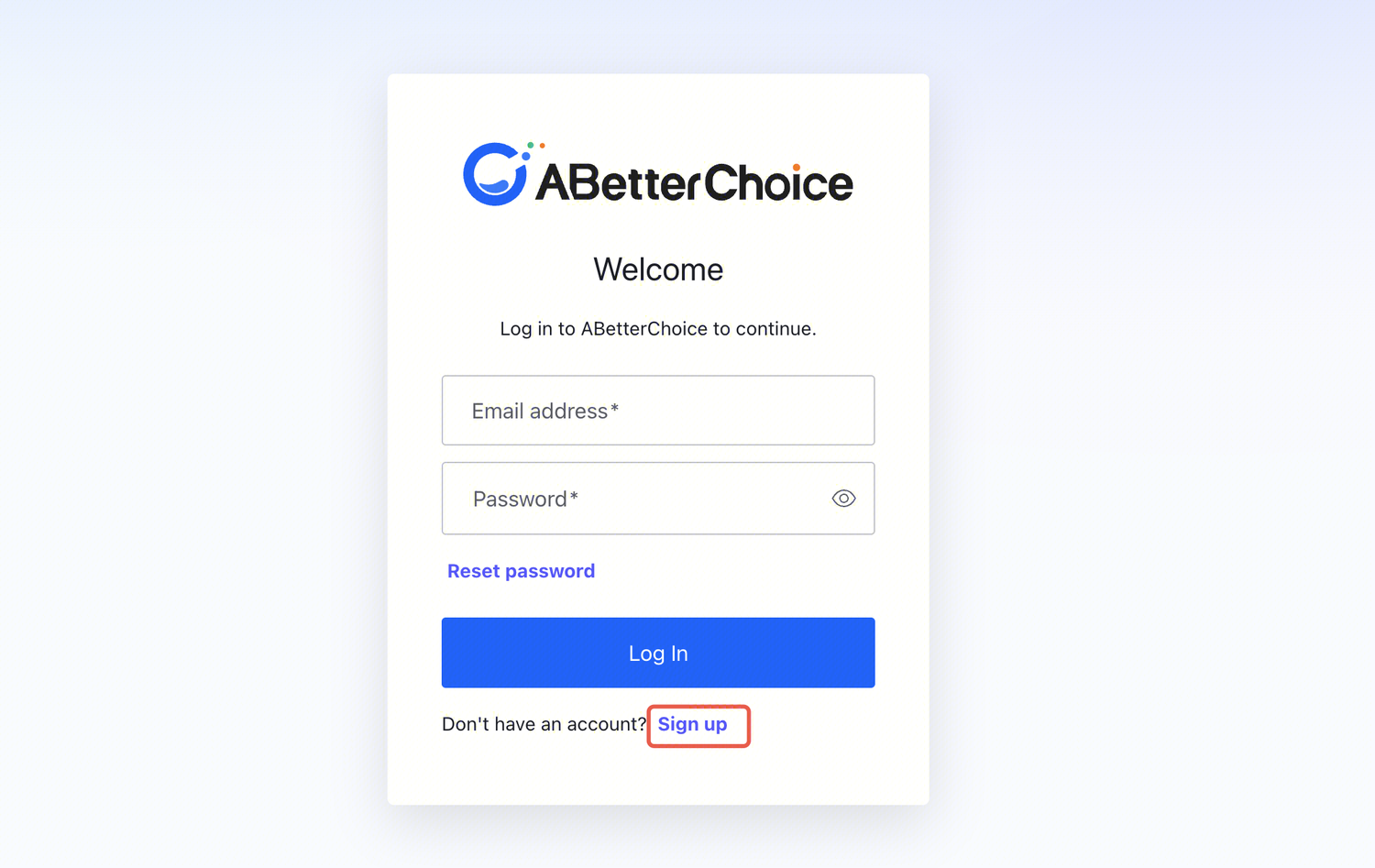
Click Sign up on the trial landing page.
Step 3: Fill in your registration details
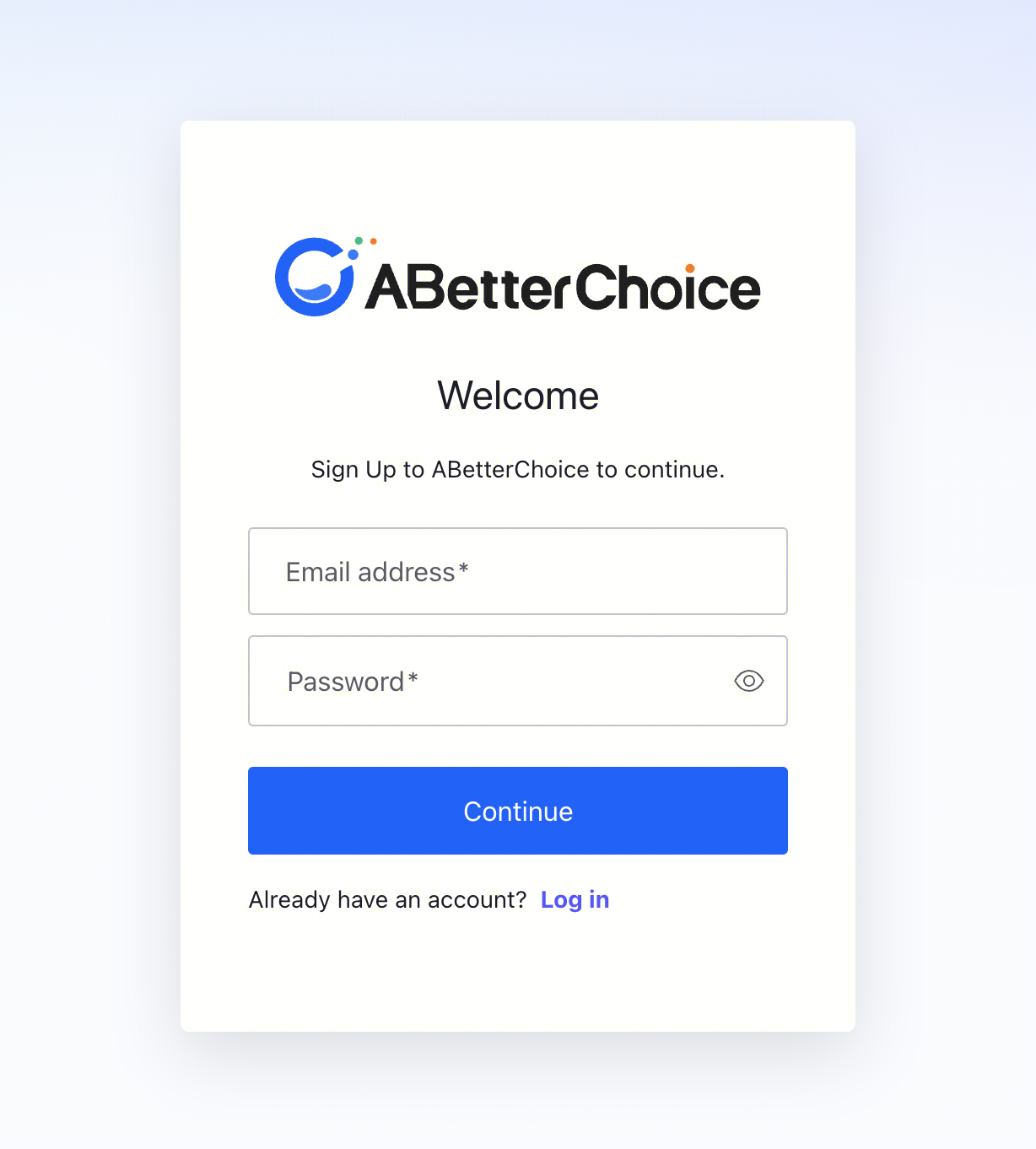
Enter your email address and password, then submit.
Step 4: Verify your email
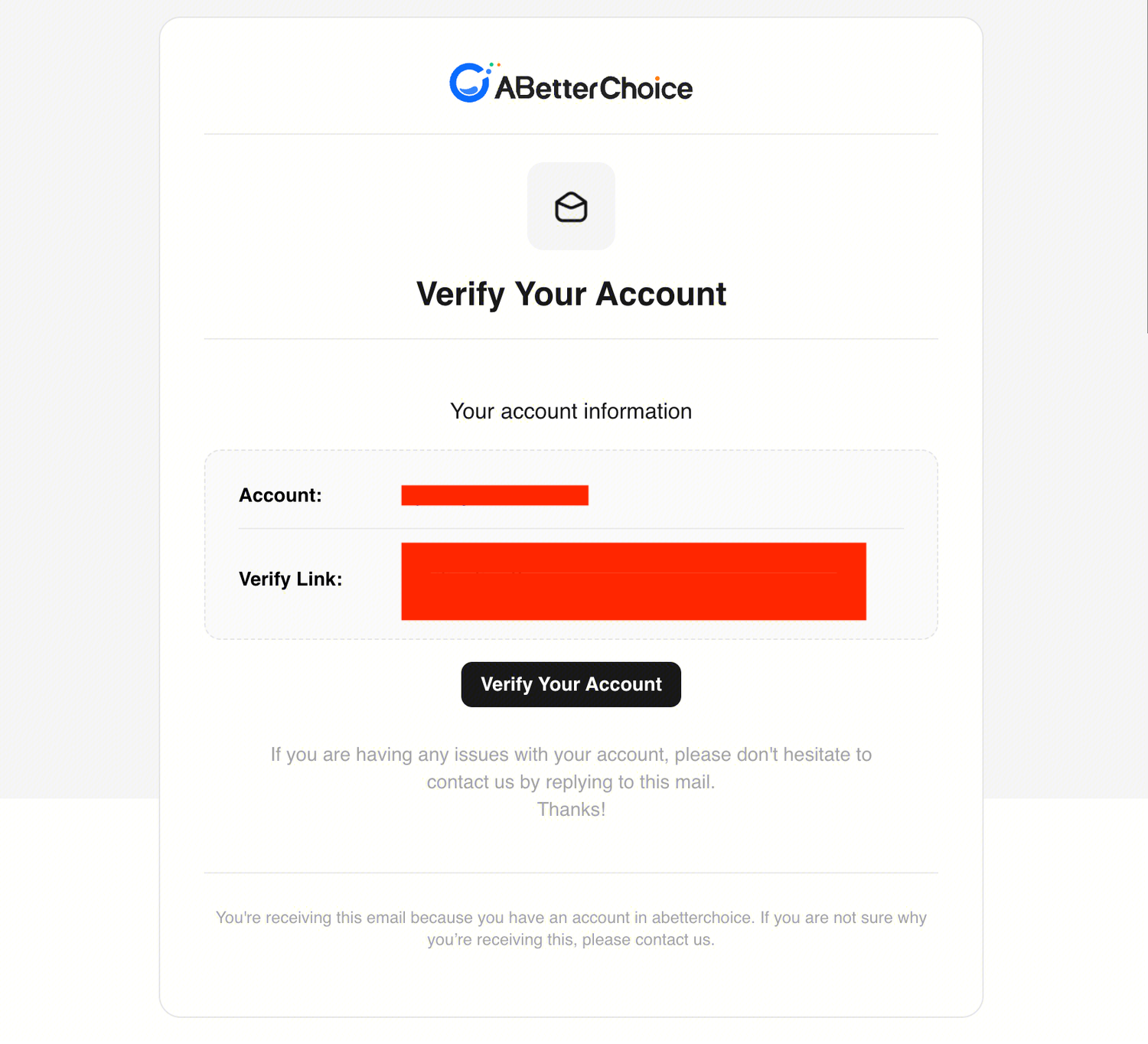
After submitting, the system sends a verification email to your inbox.
- Open your email
- Find the verification email from ABetterChoice
- Click the verification link to complete registration
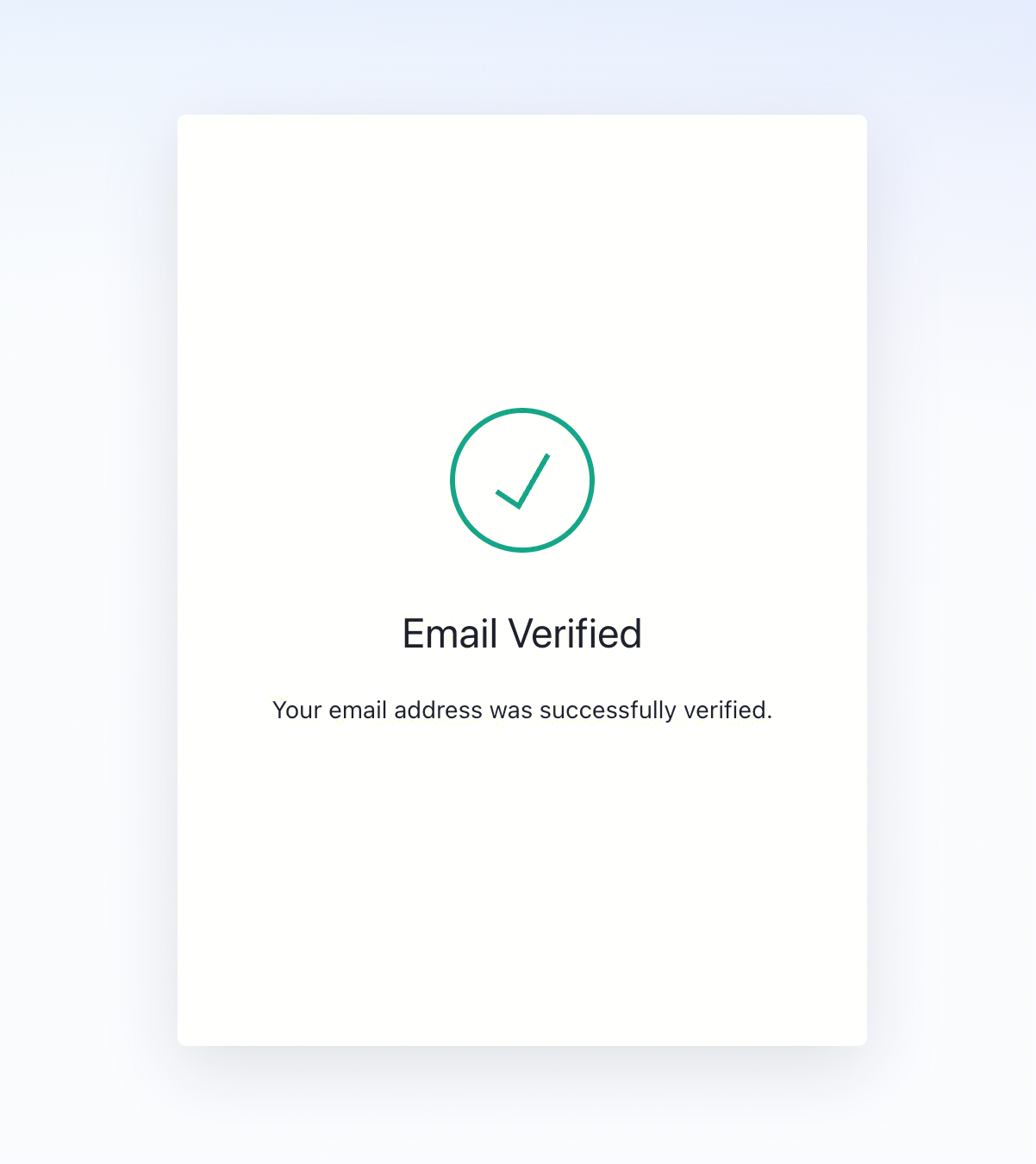
Did not receive the email? Check your spam folder, or resend the verification email.
Step 5: Sign in to the platform
Go back to abetterchoice.ai, click Sign in in the top right, and enter your credentials.
Join a team / project
After registering, the next step is to join a project:
- If you are starting a new project → Email support@abetterchoice.ai to request project creation and provide the team permissions list
- If you are a collaborator → Send your registered email to the project admin, who will add you to the project
For role and permission details, see Quickstart → Step 1: Create a project.
Troubleshooting
| Issue | Resolution |
|---|---|
| Verification email not received | Check your spam folder, or click "Resend" on the registration confirmation page |
| Verification link expired | Go through the registration flow again to trigger a new verification email |
| Forgot password | Click "Forgot Password" on the sign-in page |
| Email already registered | Sign in directly; if you forgot your password, use the password recovery flow |
| Other sign-in / registration issues | Join the Slack community or email support@abetterchoice.ai |
What to do next
- Platform Overview — learn what problems ABC solves
- Quickstart — run your first experiment in 6 steps
- Feedback and Support — how to reach us when you have a problem