

Compute Costs
Because the statistics engine pushes SQL down to your warehouse, the cost of running an experiment shows up on your warehouse bill, not as a separate ABetterChoice line item. This page summarizes what drives that cost and how to keep it predictable.
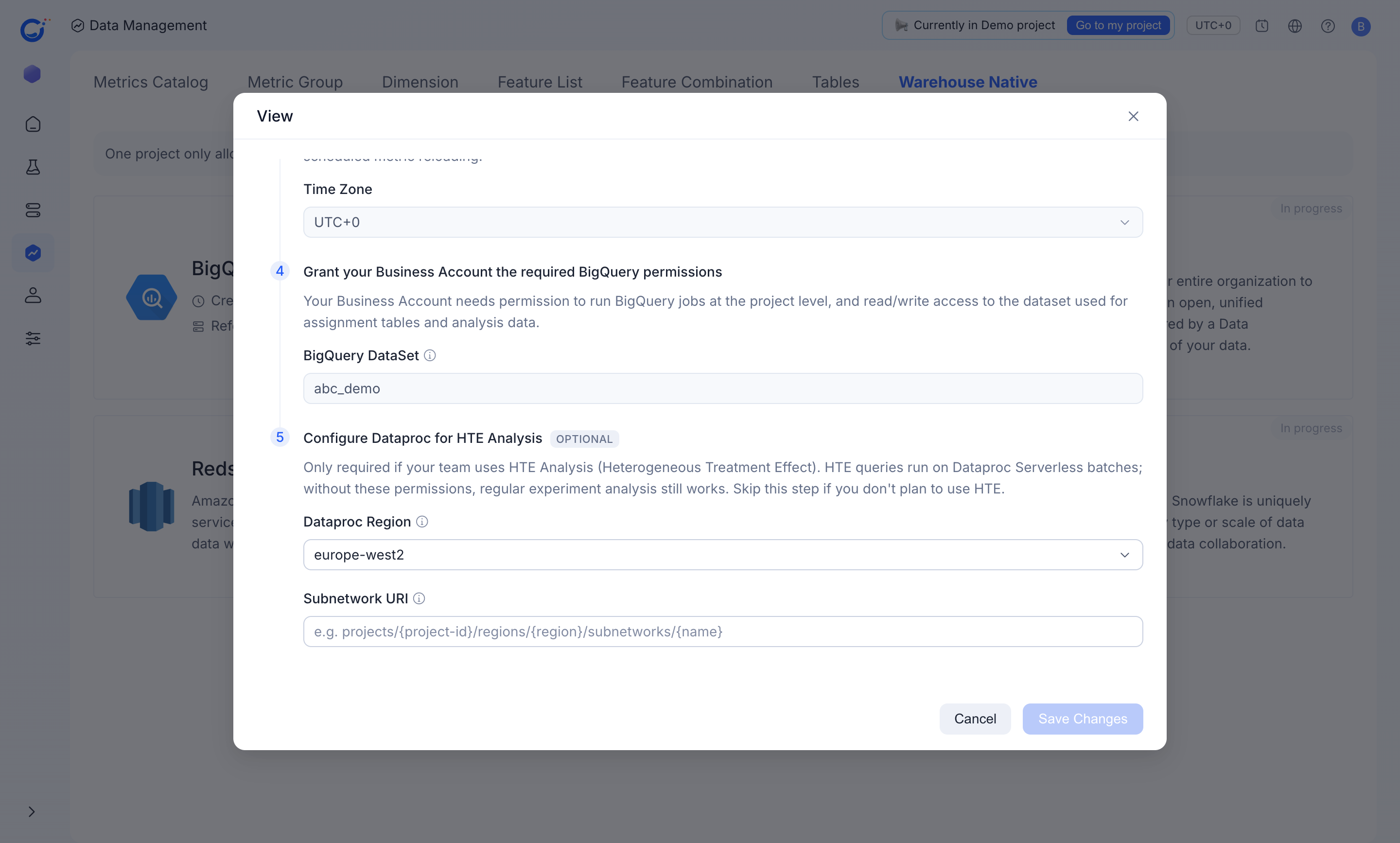
ABetterChoice runs analysis jobs as your Business Account inside your own BigQuery project — the connection grants the platform's proxy account permission to impersonate your Business Account and run BigQuery jobs at the project level. The metric refresh is scheduled and time-zone aware (the Time Zone you set on the warehouse connection is "used for data processing and scheduled metric reloading").
What drives cost
- Number of metrics per experiment — every metric contributes its own aggregation pass over the fact table.
- Refresh cadence and time range — results are recomputed on a schedule (scheduled metric reloading); longer analysis windows scan more partitions on each refresh.
- Cardinality of the chosen dimensions — slicing by a high-cardinality dimension (raw user IDs, free-form strings) inflates the result table and the bytes scanned.
- Underlying table partitioning — a fact or assignment table with a registered
Partition Fieldlets the engine prune partitions and scan fewer bytes per refresh (see Defining tables). - HTE (Heterogeneous Treatment Effect) Analysis — HTE queries run on Dataproc Serverless batches, a separate compute surface from regular BigQuery analysis. Regular experiment analysis still works without it; teams that don't run HTE skip this cost entirely.
Levers to manage cost
- Pick fact tables whose
Partition Fieldand partition granularity match the experiment window, so each refresh prunes to the partitions it needs. - Keep dimensions limited to those experiment owners actually need; avoid high-cardinality cuts.
- Archive metrics and dimensions that nobody consumes so they stop being recomputed.
- Only grant the Dataproc permissions if your team runs HTE Analysis; otherwise that compute surface stays unused.