

HTTP API Overview
The HTTP API exposes the same experiment assignments and feature flags that the SDKs return. Use it when there is no SDK for your runtime, when you only need occasional batch calls, or when you prefer the smallest possible dependency surface.
What you can do
- Authenticate every call — sign
(token, ak, et)with MD5 and pass three headers. HTTP API authentication - Fetch experiments and feature flags — POST endpoints under
https://openapi.abetterchoice.ai/abc/. HTTP API endpoints - Handle errors and limits —
ret_codeenumeration and current-window limits. Rate limits & errors
Quickstart
bash
ak="your_secret_key_name"      # see API keys console page
token="your_api_token"         # see API keys console page
et=$(date +%s)
sig=$(echo -n "${token}${ak}${et}" | md5)

curl -X POST 'https://openapi.abetterchoice.ai/abc/get_experiments' \
  -H "Content-Type: application/json" \
  -H "X-Ak: $ak" -H "X-Et: $et" -H "X-Es: $sig" \
  -d '{"project_id":"6666","unit_id":"user_id_1"}'
A successful response carries ret_code: 100 and an exp_data map keyed by layer name. See the endpoints page for the full request and response shape.
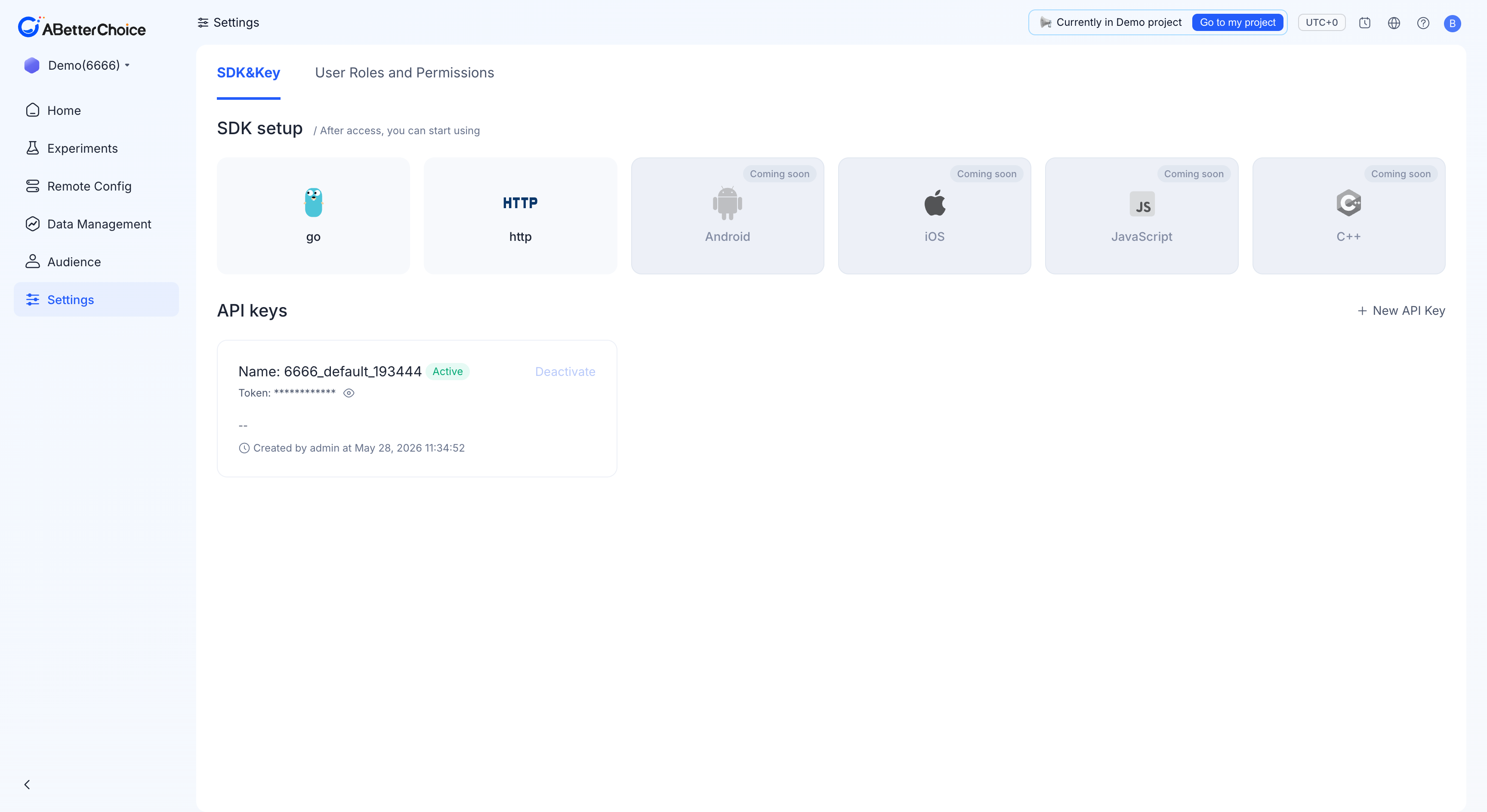
Where keys come from
Open Settings → SDK&Key in the console. Every project ships with a default key ({projectId}_default_{suffix}) that is Active from day one. For production traffic, click + New API Key and create a dedicated key — see API keys.